Projects · Apm
Initial APM setup with SigNoz
Bootstrapping a test Kubernetes cluster and deploying SigNoz for APM and infrastructure observability.
Preparing the test cluster
To keep things simple and reproducible, the APM stack is deployed on a single-node k3s cluster created with k3smp.
This setup is intentionally minimal: one control-plane node, no workers, just enough resources to run SigNoz comfortably.
Cluster configuration
Below is the environment file passed to the k3smp script during cluster creation:
Cluster creation
The cluster is created using the following command:
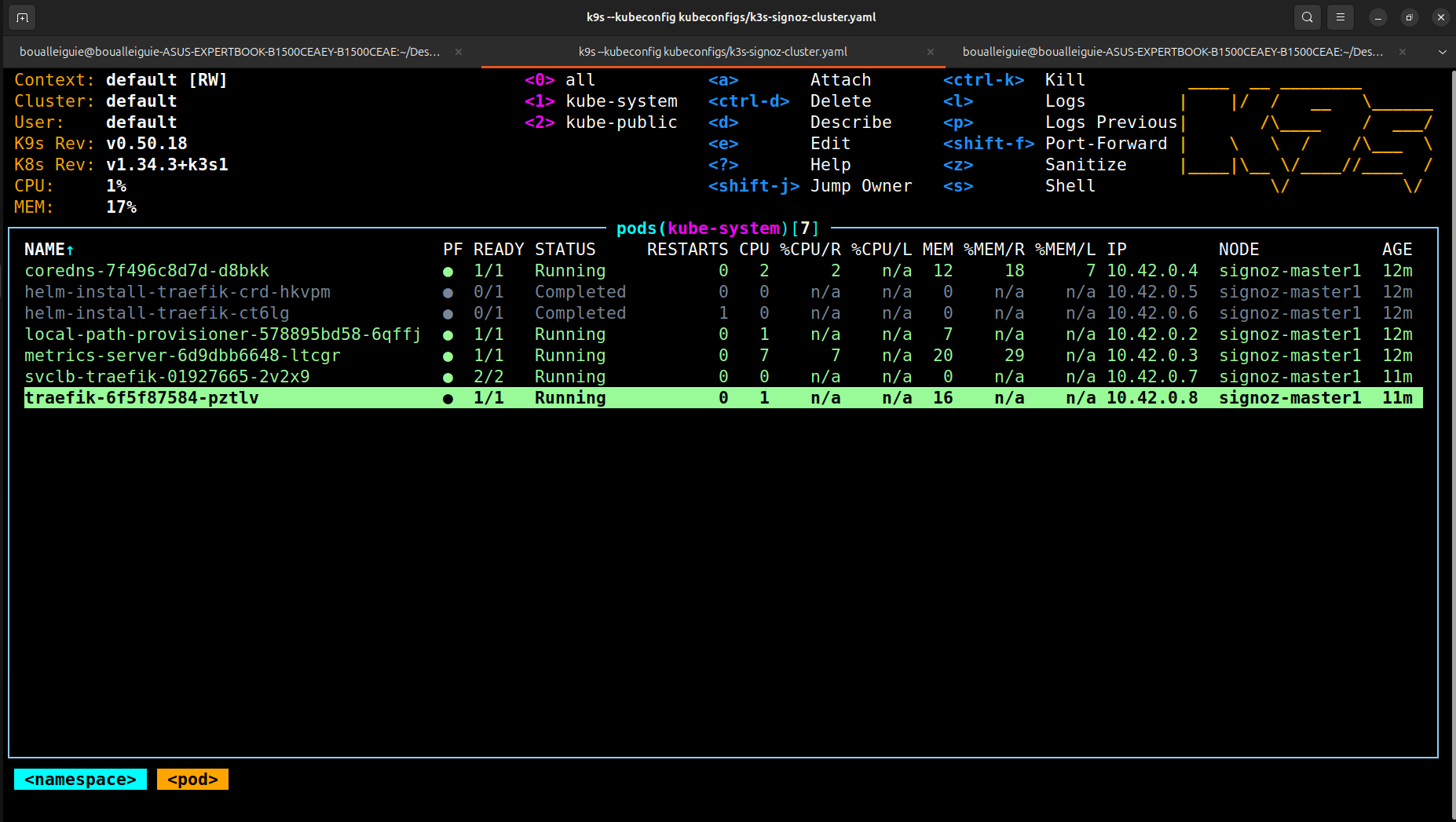
Once the cluster is up, we can validate access using k9s with the generated kubeconfig:
Cluster overview
Installing SigNoz
SigNoz is installed by following the official Kubernetes installation guide. For local testing on k3s, a few Helm values are adjusted to better fit the environment.
Helm values
Key points of this configuration:
- Use the default
local-pathstorage class provided by k3s. - Expose SigNoz via
NodePortto access it from the Multipass VM.
Helm installation
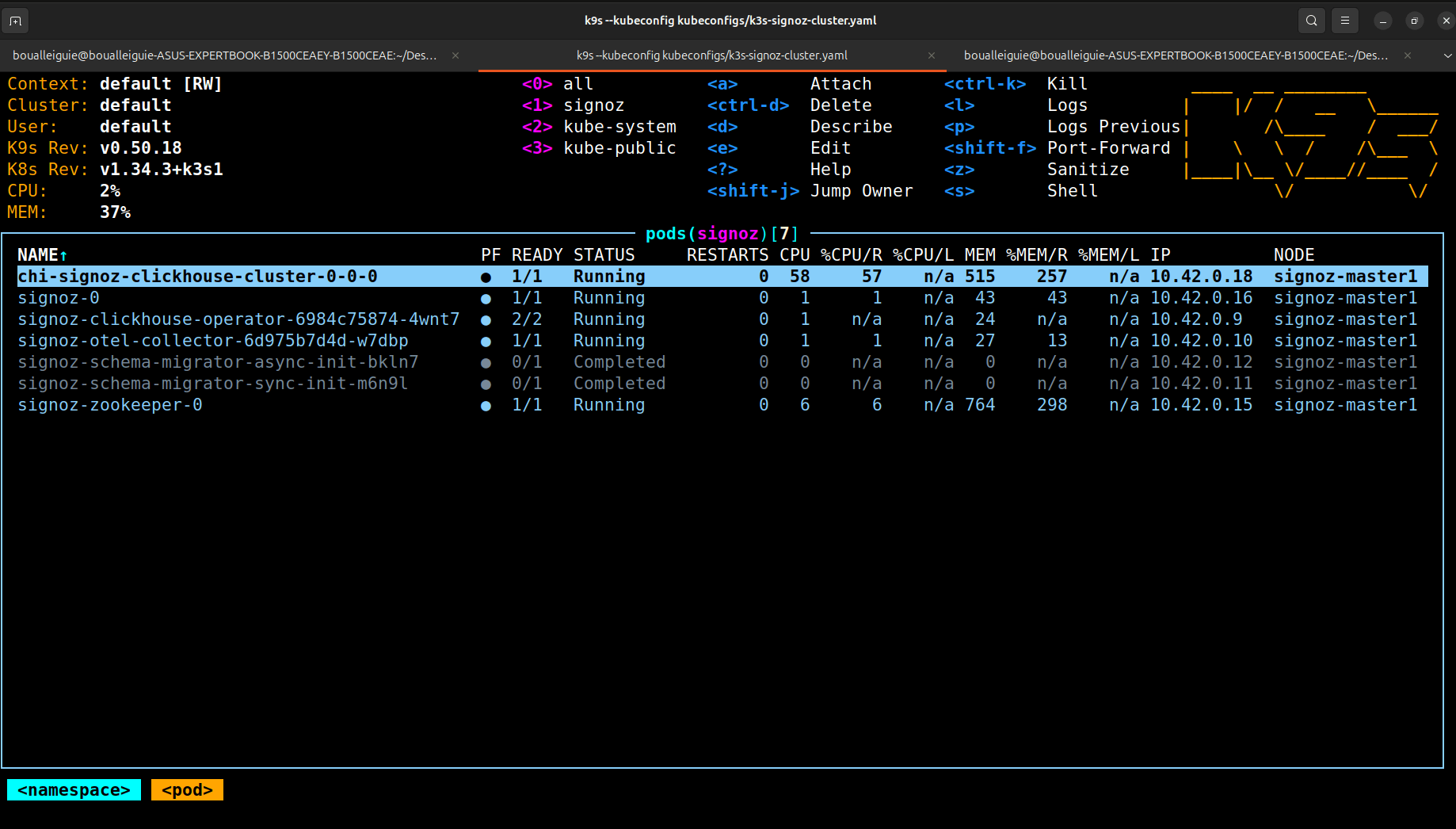
Verifying deployment
Once deployed, all SigNoz components should be running in the signoz namespace:
Testing SigNoz UI
The SigNoz UI is exposed using a NodePort. Accessing it confirms that the backend and ClickHouse are correctly wired.
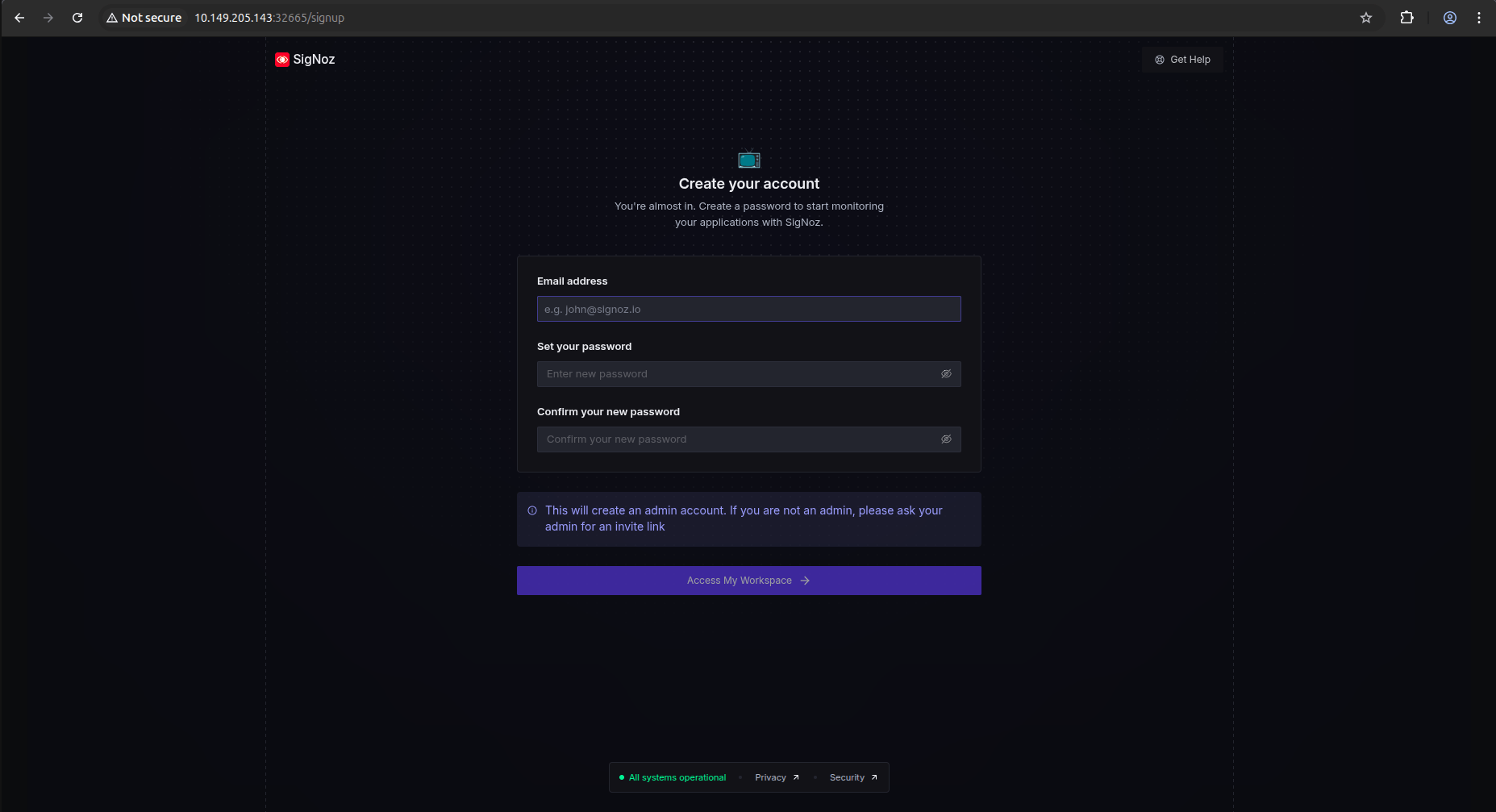
During the first visit, the onboarding screen is displayed:
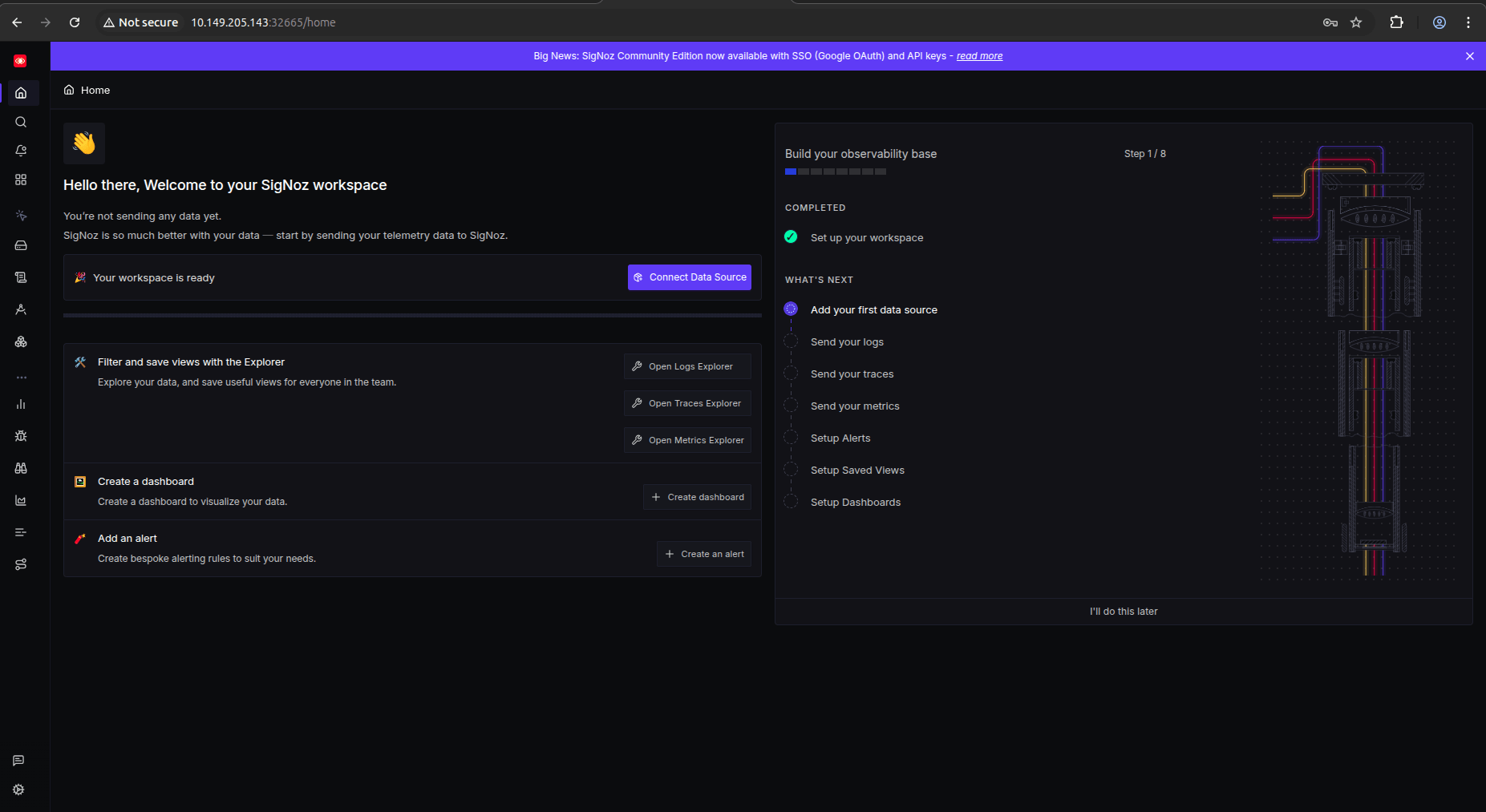
Monitoring the k3s cluster with SigNoz
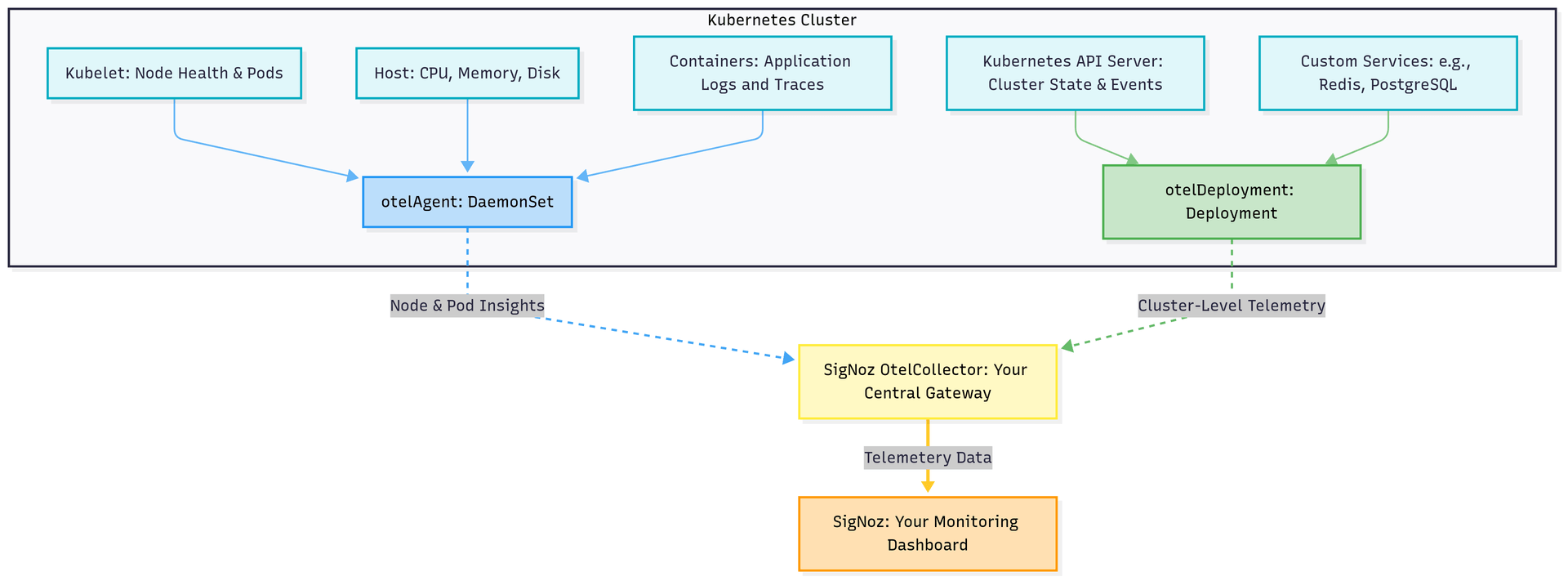
SigNoz provides a dedicated K8s Infra chart that installs pre-configured OpenTelemetry collectors across the cluster. This enables out-of-the-box visibility into:
- Node and host metrics
- Kubernetes API metrics
- Pod, namespace, and workload-level signals
- Logs, traces, and cluster events
The K8s Infra chart deploys OpenTelemetry collectors as agents and gateways, ensuring full coverage of both node-level and cluster-level telemetry.
K8s Infra installation
Values file
The following values are used to install the K8s Infra chart into the existing signoz namespace:
Helm install
Infrastructure visibility
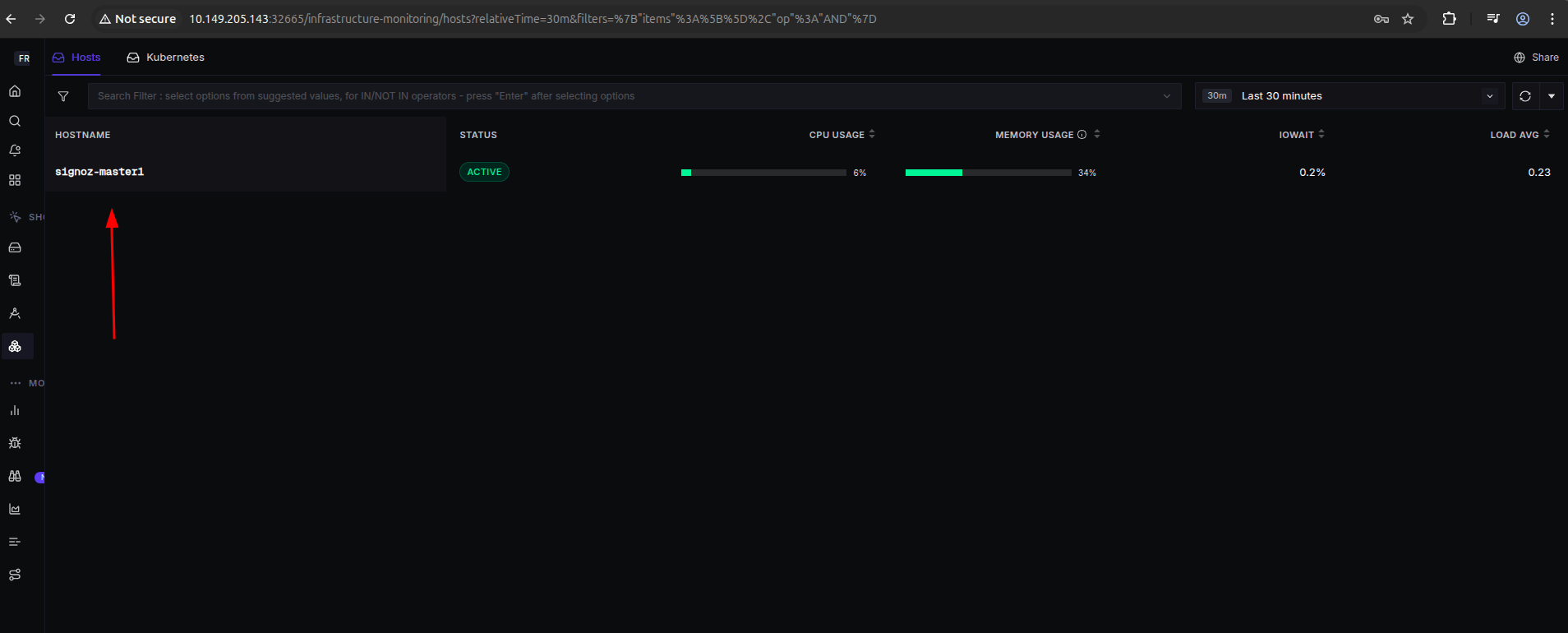
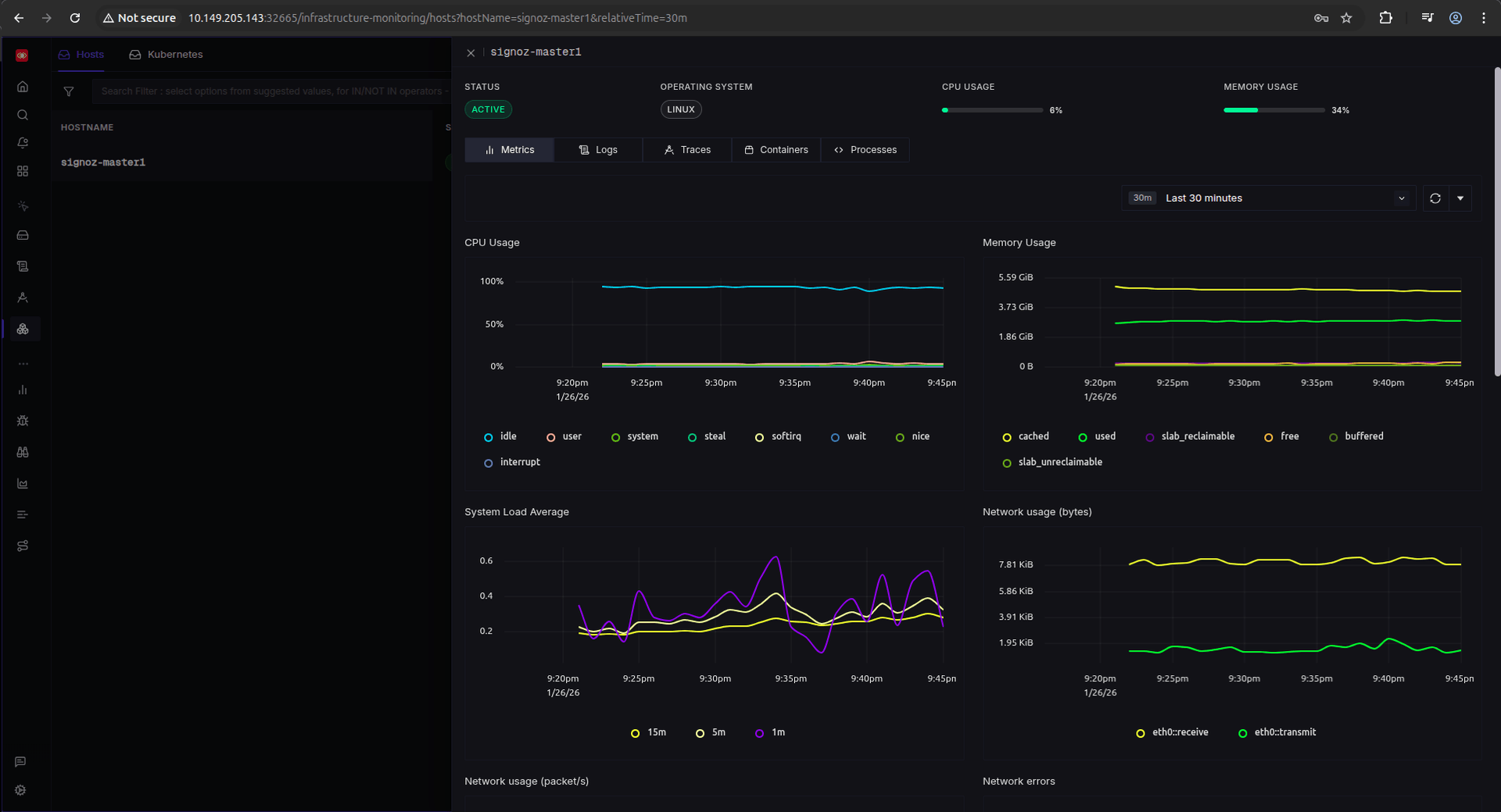
After installation, the Infrastructure section in the SigNoz UI starts populating automatically.
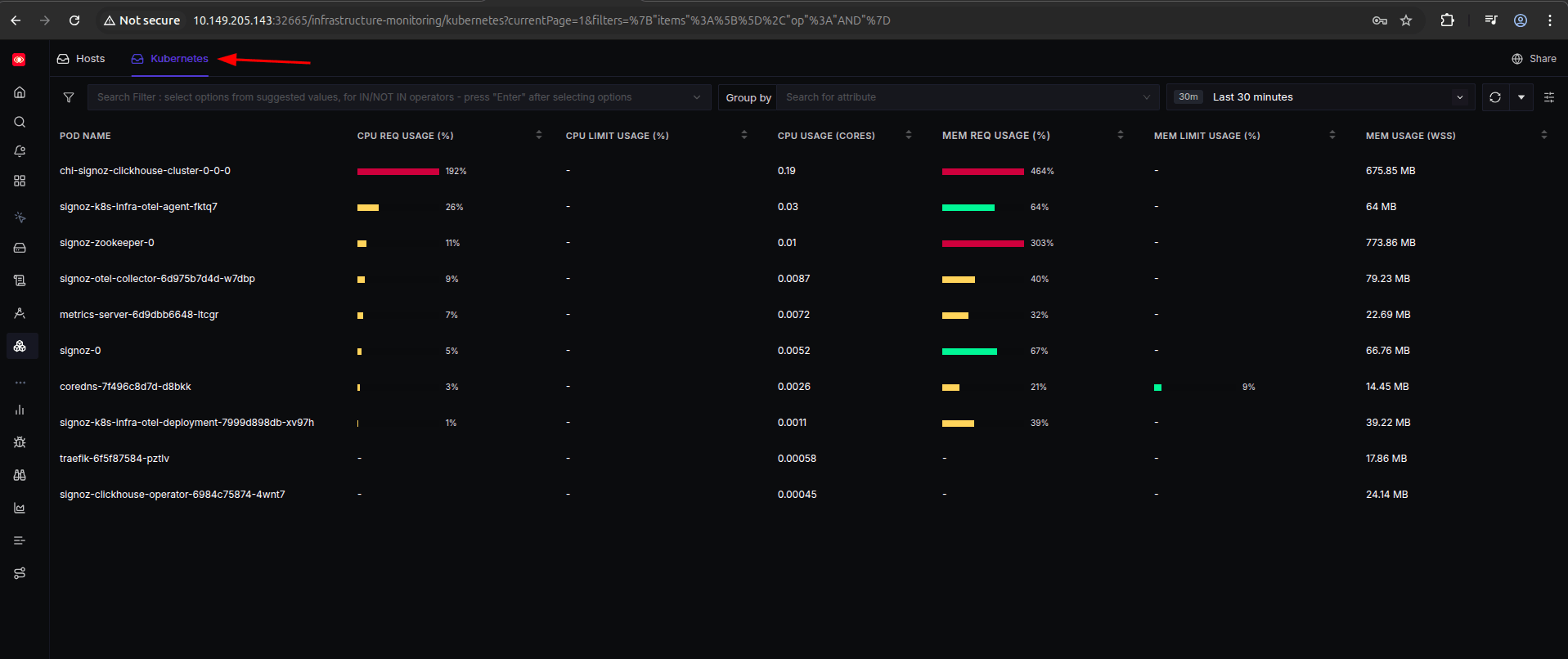
In the Kubernetes section, detailed metrics are available for namespaces, pods, and workloads:
Next steps
With the base APM and infrastructure monitoring in place, the next step is to explore:
- Application-level instrumentation
- Distributed tracing
- Logs correlation
- Alerts and SLOs
This foundation already provides strong visibility into the health and behavior of the k3s cluster.