Projects · Mini Hostpapa
High-Level Architecture
The major systems of HostKid at executive level: physical infrastructure, application architecture, and business flows.
High-Level Architecture
Whiteboard time.
You already know why we picked the stack (Technical decisions). This page is how the boxes connect before you drown in VLANs and Helm charts.
Customer on the left. Metal on the right. Everything in between is HostKid.
If a box on this page surprises you, go back to Technical decisions & stack rationale. Architecture without the why is just clipart.
I'm building this page in three domains. You get the executive map now; we fill in each domain in passes. Firewall SKU, VLAN IDs, Helm values? Those land in the handbook volumes, not here.
Boxes and arrows. No port numbers. If you can't explain it to a smart non-engineer over coffee, it's not executive-level yet.
Three domains: how to read this page
Hosting architecture isn't one diagram. It's three questions people keep mixing together:
| Domain | Question it answers | Status on this page |
|---|---|---|
| A. Physical & platform infrastructure | Where does it run? Rack, network zones, CloudStack layout? | Starter footprint (below) + GitOps operations flow |
| B. Application & control-plane architecture | What software talks to what? Where do trust boundaries sit? | Scaffold (spine below gives you the shape) |
| C. Business & operational flows | What happens when someone pays, breaks something, or leaves? | Scaffold (headline flows only for now) |
The spine: whole company in one flow
Memorize this vertical picture first. Every domain below is a zoom-in on part of this stack.
Always-on sidecars (they don't sit in the main column, but the company stops without them):
- DNS platform (PowerDNS): Volume 12
- Email platform (Mailcow): Volume 13
- Monitoring & logging: Volumes 17-18
- Internal Kubernetes (portal, API, workers): Volume 8
Domain A: Physical & platform infrastructure
This is the metal and the factory floor: colo rack, network zones, CloudStack on KVM, storage. Not "we own a Tier IV building." We rent serious space in Tunisia and own what happens inside our rack.
Real talk: you don't win hosting customers by flexing who poured the concrete. You win by owning what crosses your rack boundary with discipline.Colocation: what the provider gives vs what we bring
Colocation (colo) means you rent rack space and connectivity inside someone else's datacenter. The provider runs the building. You run the design inside your rack.
| Party | Typical responsibility |
|---|---|
| Colo provider | Building, power feeds, cooling, physical security, carrier cross-connects, remote hands |
| HostKid | Servers, switches, firewall, cabling, IP plan, CloudStack topology, segmentation policy |
HostKid starts in a Tier III/IV-class facility in Tunisia (Maghreb first zone). Tier is an industry label for how redundant power and cooling are. Tier IV is stricter than Tier III. You don't have to memorize the standard. You do have to read your contract: kW per rack, dual power feeds (A+B), and how many upstream carriers you get.
The rack: what is 42U?
A rack is a standard metal cabinet for mounting gear. U means rack unit (about 4.4 cm / 1.75 inches of vertical height). A common full-height cabinet is 42U: roughly 42 stacked "slots" for servers, switches, and patch panels.
Why it matters: every hardware purchase sheet says "2U server" or "1U switch". If you plan a starter cluster without counting U and power (kW), you arrive at the datacenter with boxes that don't fit or trip the breaker.
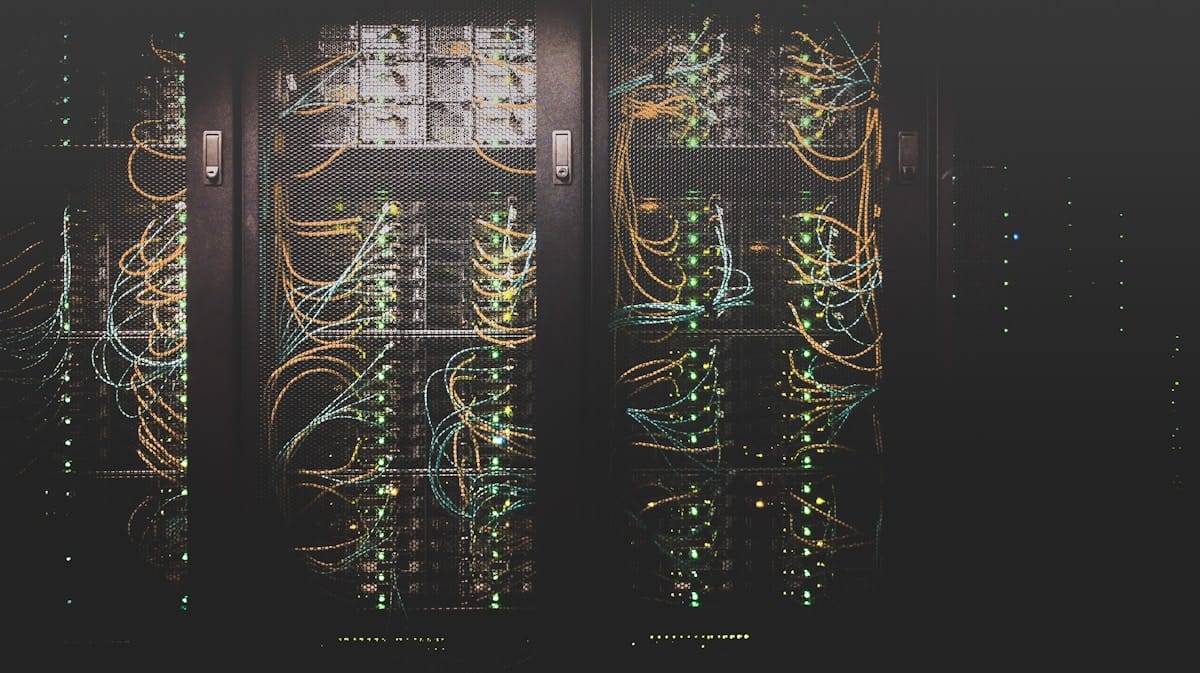
Starter footprint (one 42U rack, conceptual):
| Rack area | Equipment | Qty (starter) |
|---|---|---|
| Network row | Edge firewall/router, top-of-rack (ToR) switch | 1 + 1 |
| OOB (out-of-band) | Small management switch for IPMI only | 1 |
| Control plane | CloudStack management servers | 2 |
| Compute | KVM hypervisor hosts (libvirt/QEMU) | 3 to 4 |
| Storage | NFS storage server (primary + secondary exports) | 1 |
One firewall and one ToR is common at launch. That is a single point of failure. Document it, monitor it, plan HA pairs as a sub-decision in Volume 5.
Network: zones you can draw before VLAN IDs
Top-of-rack (ToR) switch is the switch at the top (or middle) of your rack. It connects every server in the rack with short copper or fiber cables. Edge firewall sits between the internet uplink from colo and your internal zones.
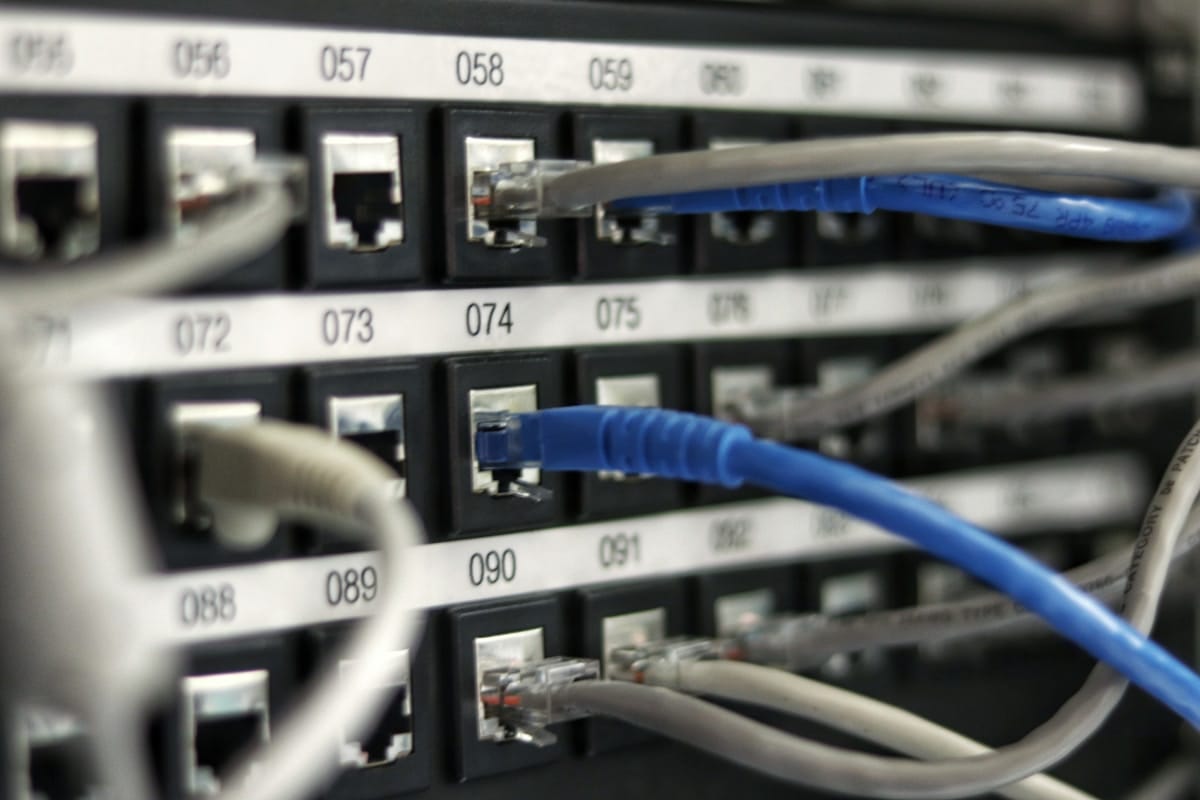

At executive level we name zones first. Numbered VLANs come in Volume 5.
| Zone | Plain English | What connects here |
|---|---|---|
| WAN / uplink | Internet from colo or carrier | Firewall outside interface |
| Edge / DMZ | Public ingress you control | Later: portal load balancer, authoritative DNS |
| Management | Ops and control traffic | CloudStack UI/API path, hypervisor mgmt, IPMI |
| Guest / production | Customer VM traffic | Hypervisor data NICs, CloudStack guest networks |
| Storage | Disk traffic off the customer path | NFS/iSCSI between KVM hosts and storage box |
| OOB | Out-of-band: lights-on when OS is dead | IPMI/iDRAC on a switch with no route to internet |
CloudStack on KVM: starter topology
Apache CloudStack is the IaaS control plane (decision record). KVM is the hypervisor on each compute host. Infra IT configures the platform catalog with Terraform GitOps; customers never get CloudStack admin write access.
Management servers run the CloudStack API, UI, and orchestration database. Run two for basic HA. They are not where customer VMs live.

Hypervisor hosts are the workhorses. Each runs KVM (via libvirt/QEMU). Customer VPS instances execute here.
CloudStack vocabulary for the Maghreb starter zone:
| Object | Starter value | What it means |
|---|---|---|
| Zone | tunisia-maghreb-1 | One geographic / legal footprint (Tunisia first) |
| Pod | tun-pod-1 | Hosts in the same facility row / rack group |
| Cluster | kvm-prod-1 | Hypervisors sharing the same type (KVM) and storage pool |
| Hosts | 3 minimum, 4 nicer | Physical servers registered as CloudStack hypervisors |
| System VMs | VR, SSVM, CPVM | CloudStack platform VMs on the cluster, not separate metal |
System VMs in plain English:
- VR (Virtual Router): software router for guest networks (NAT, firewall rules, load balancing hooks).
- SSVM (Secondary Storage VM): moves templates and snapshots on secondary storage.
- CPVM (Console Proxy VM): customer console access through CloudStack.
Storage: primary vs secondary
CloudStack splits storage into two jobs. Confusing them breaks templates, snapshots, or live disks.

| Type | CloudStack role | Starter approach |
|---|---|---|
| Primary storage | Running VM disk volumes | NFS export on dedicated storage server, storage VLAN |
| Secondary storage | Templates, ISO images, snapshot staging | Separate NFS export (same box at tiny scale, split later) |
CloudStack configuration: GitOps in practice
Alright. Domain A is not only racks and hypervisors. It is also how Infra IT is allowed to change the factory.
Every CloudStack object we care about (zones, offerings, affinity groups, network tags, the catalog Product Engineering sells against) lives in Terraform inside a private GitLab repo. Humans do not write production config through the CloudStack UI. They write code, open a merge request, and let the pipeline apply it. The why and the non negotiable rules are in Technical decisions: Configuration model (Terraform and GitOps). This section is the motion picture: what happens when someone actually ships a change.
Standard Infra admins get read-only CloudStack UI access to observe and troubleshoot. One break-glass account exists for disaster recovery. Every normal change flows Git → pipeline → CloudStack API. Same decision record: Configuration model and pipeline security.
Lab first, production second. We keep a lab CloudStack workspace (separate Terraform state, topology mirrored to prod: same object types, smaller footprint). A new service offering or affinity rule lands in lab first. Operator verifies. Only then does a promotion merge request target the production workspace and state file. No "I tested in my head" applies.
Approval hierarchy (boring on purpose):
| Stage | Who acts | What must be true |
|---|---|---|
| Propose | Infra contributor | Branch with Terraform edit, merge request opened |
| Validate | GitLab runner | terraform fmt, validate, gitleaks, plan attached to MR |
| Review lab | Infra supervisor / engineering manager | Human reads diff + plan output, approves or rejects |
| Apply lab | Runner on protected branch | terraform apply against lab state; operator smoke tests |
| Promote prod | Contributor + supervisor | Second MR or gated job for prod workspace; supervisor approves again |
| Apply prod | Runner only | State lock, plan, apply, state save, pipeline audit log |
Where the GitLab runner lives. Self-hosted runners sit on VMs in the management VLAN: same zone as CloudStack management servers, not on the public internet and not on shared SaaS runner pools. Firewall policy is tight:
| Runner may talk to | Runner must not |
|---|---|
| GitLab (single controlled VCS endpoint) | Random internet egress |
| CloudStack management API | Human laptop paths to API write |
| Vault (or sealed secrets injector) for API keys | Secrets committed in Git (gitleaks blocks this) |
| Remote Terraform state backend | Ad hoc UI clicks as source of truth |
That placement is how we get declarative ops: the operator's hands are on Git and merge requests. The runner's hands are on the API. The manager's hands are on the approve button. Nobody's tribal notebook is the system of record.
Sequence: forward change and revert
Revert is not a panic click in the UI. If a service offering or affinity group was wrong, Infra opens a merge request that reverts the Git commit (or restores the previous .tf files). The pipeline runs terraform plan on prod. The plan shows exactly what will roll back. Supervisor approves. Runner applies. State file updates. Git history shows who authorized the rollback. That is the same muscle as forward change, just walking backward.
Pipeline wiring, module layout, and hook config: Volume 7, Infrastructure as Code. CloudStack object mapping: Volume 4.
Domain A starter checklist
Before you call the factory floor "production," you should be able to tick these mentally:
- Colo contract: power kW, IPs, carrier path, remote hands
- One 42U rack populated: network row, MS x2, KVM x3+, storage
- Zones drawn: WAN, mgmt, guest, storage, OOB isolated
- CloudStack: one zone, one pod, one KVM cluster, system VMs healthy
- Primary and secondary storage registered in CloudStack (Terraform in Git)
- Infra admins read-only on CloudStack UI; writes through GitOps pipeline
Second rack, second geographic zone, HA firewall pair, Ceph cluster, VMware cluster: all valid roadmap items. They are not required to explain Domain A at launch.
| Topic | Handbook volume |
|---|---|
| CloudStack zones, pods, clusters, KVM hosts | Volume 4 |
| Physical and virtual networking, VLANs | Volume 5 |
| Primary/secondary storage design | Volume 6 |
| Datacenter ops, expansion, DR | Volume 27 |
| CloudStack GitOps flow (lab → prod, revert) | This page, GitOps in practice |
| Why CloudStack on KVM (decision record) | Technical decisions, Volume 3 |
Domain B: Application & control-plane architecture
This is the software map: portal, private API, identity, ERP, provisioning workers, observability on k3s. The customer sees the storefront. They never see the stockroom.
Full trust-zone diagram: internet → portal SSR → private FastAPI → Keycloak / RedOps / queue / workers → CloudStack API. Internal vs customer-facing split drawn once, referenced everywhere.
At this altitude, the story is simple:
- Public edge: Next.js hybrid portal (static + SSR). The only app customers touch on the internet.
- Private orchestration: FastAPI platform API. Browsers never get a route to it (Technical decisions).
- Identity: Keycloak for login. RedOps/ERPNext for money and entitlements. Don't merge those in your head.
- Provisioning: queue and workers talk to CloudStack. Long jobs don't block a page render.
- Runtime: k3s scales portal, API, and workers when Maghreb traffic shows up.
Internal platform runs the company: portal server, platform API, workers, monitoring, admin tools on k3s.
Customer products are what we sell: VPS on CloudStack, DNS, mail, shared hosting later. Nobody gets kubeconfig to our internal cluster. That's not a flex. That's hygiene.
| Layer | Purpose | Handbook volume |
|---|---|---|
| Customer portal | Buy, manage, get help (SSR/BFF) | Volume 10 |
| Identity | Who is this human? | Volume 9 |
| Corporate ERP | Money, entitlements, company ops | Volume 11 |
| Provisioning engine | Order → running service | Volume 19 |
| Partner API (later) | Public REST when resellers need it | Volume 20 |
| Internal k8s platform | Deploy and scale the app plane | Volume 8 |
| Observability | Metrics, logs, alerts | Volume 17, Volume 18 |
Coming next: trust-zone diagram (internet / DMZ / app private / management / CloudStack API).
Domain C: Business & operational flows
Diagrams show boxes. Flows show life. This domain is what happens when a real customer pays, a renewal fails, or something breaks at 2 a.m.
Swimlanes and polish on three flows: order-to-live, payment failure/suspend, support/incident. Journey and revenue language stay in their own docs; we link, we don't copy-paste.
Three flows we're documenting properly in the next pass. Headlines for now:
1. Order-to-live (the provision spine)
This is the row that makes or kills a hosting company. Volume 19 is built around it.
2. Payment failure and lifecycle
Money stopped. Capacity can't stay free forever. Policy must be boring and automated.
3. Support and incident
Go deeper on the customer story in Customer lifecycle & journey and Business model & revenue. Implementation lives in Volume 19 and Volume 23.
Coming next: swimlane version (Customer / Portal / ERP / Engine / CloudStack / Support) for the same three flows.
Critical integration points
These arrows break real hosts. They cut across all three domains. When one lies, customers feel it before your dashboard turns red.
| Integration | Why it hurts when wrong |
|---|---|
| Billing ↔ Provisioning | Paid but not provisioned, or provisioned but not billed |
| Portal ↔ Identity | Login works but wrong account sees wrong services |
| Engine ↔ CloudStack | Orphan VMs, wrong zone, quota drift |
| DNS ↔ Portal | Domain bought but no records; "hosting is broken" |
| Monitoring ↔ Support | Customer knows before we do; trust dies |
| ERP ↔ Product catalog | SKU sells something CloudStack cannot deliver |
What this doc does not cover
This page is the map. The handbook volumes are the manual. Don't expect VLAN IDs here.
| Not here | Where it lives |
|---|---|
| VLAN IDs, firewall rules, routing tables | Volume 5 |
| CloudStack install and offering design | Volume 4 |
| Terraform modules and GitOps pipelines | Volume 7 |
| API sequence diagrams and webhooks | Volume 19, Volume 20 |
| Why we picked each stack component | Technical decisions |
| SLOs and executive metrics | Executive metrics & SLOs (next doc) |
Next: Executive metrics & SLOs. The architecture is a blueprint; metrics tell you if anyone should live in the building.